24–48hr DeliveryStandard photo sets and hosted walkthroughs arrive ready to share.
One Visual SystemFacilities, capital projects, and communications can use the same coordinated visit.
Fully InsuredGeneral liability and drone coverage for approved campus capture.
One coordinated capture for every team responsible for the campus
Facilities Directors
Capital Projects
Campus Planning
Admissions Teams
Architects + Contractors
Operations Teams
Facilities Directors
Capital Projects
Campus Planning
Admissions Teams
Architects + Contractors
Operations Teams
Campus Capture Plans
Choose What Your Campus Needs to See
Document one building for facilities work, create a polished campus showcase, or coordinate multiple buildings under one visual plan. Every capture is handled on-site and delivered in formats staff, partners, families, and approved stakeholders can open without special hardware.
Transparent starting prices make the first decision easy. Final scope depends on approved areas, accessible square footage, building count, campus rules, airspace, privacy, and the files each team needs.
*Starting scope: one approved building and up to 5,000 accessible interior sq ft. Larger buildings, restricted areas, and after-hours access are custom quoted.
*Starting scope: one approved building and up to 5,000 accessible interior sq ft. Airspace, campus size, privacy, and the public tour route can change final scope.
Need multiple buildings or separate public and private deliverables? Send the campus address, approved areas, approximate square footage, intended audiences, and access windows. We will return a phased capture plan.
Standard photo sets and hosted walkthroughs are normally delivered within 24–48 business hours. Large campuses and technical files receive a quoted timeline.
A well-planned visit can do more than create a tour. It gives each campus team the right version of the space without duplicating schedules, vendors, or files.
01Facilities Baseline
Create a private, walkable record of approved buildings, rooms, circulation, equipment context, and current conditions.
02Planning + Renovation
Give architects, vendors, and capital-project teams visual context before work begins and at the milestones that matter.
03Admissions + Community
Turn approved classrooms, labs, gathering spaces, grounds, and signature facilities into polished public-facing media.
04Operations + Handover
Keep private records organized by building and finish projects with a final walkthrough future teams can revisit.
Explore the campus media stack
Academic Facility Services Built Around the Space
Start with one building or coordinate 3D, photography, aerial context, floor plans, and motion across an approved campus route.
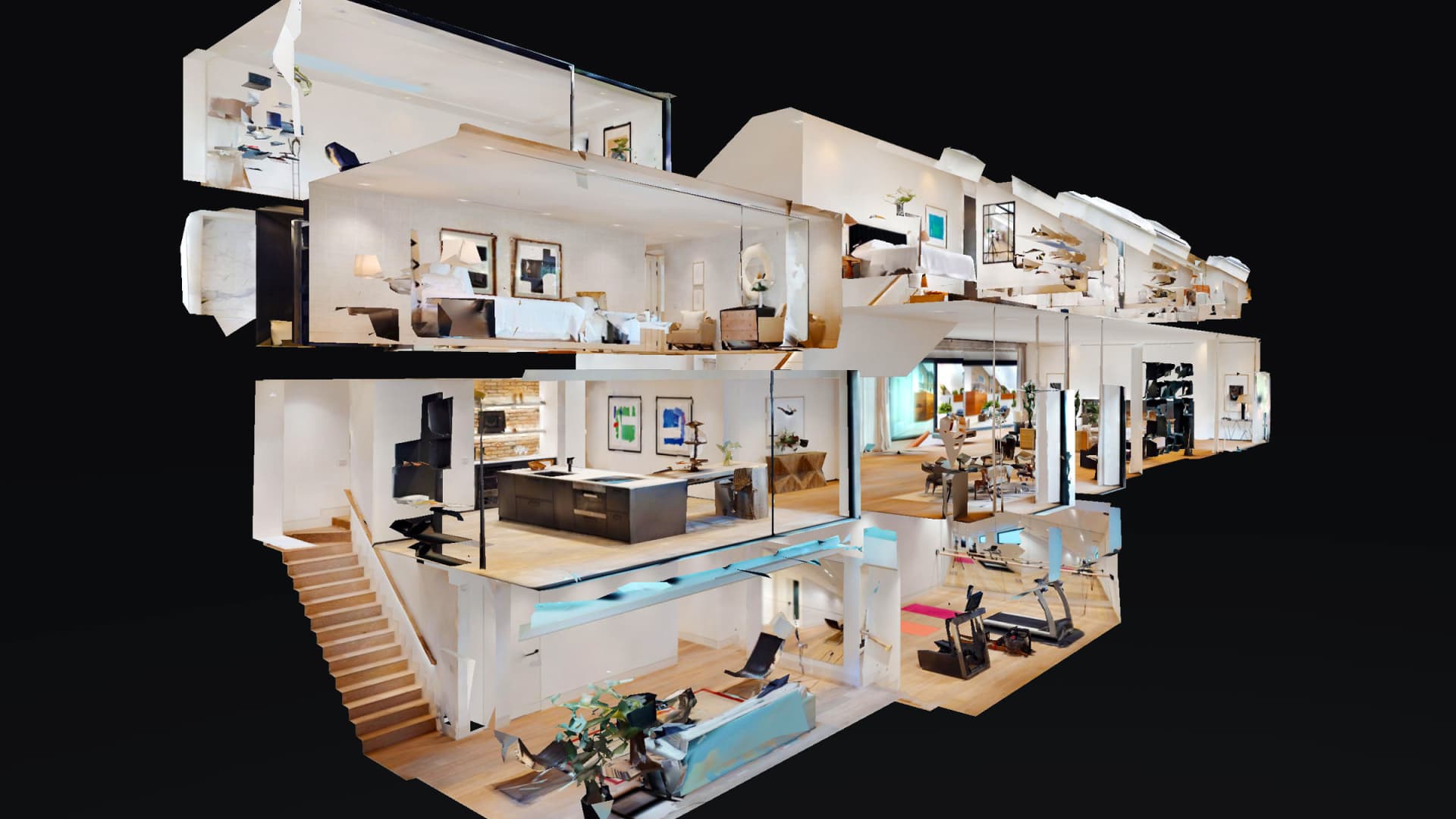
Live 3D Interface Demo
Interface example. Academic facility models can be private, public-facing, or separated by approved route.
Core facilities service
Walk approved buildings from anywhere and give every room a clear visual context.
A Matterport digital twin turns approved campus interiors into a navigable reference. Facilities staff, project partners, and remote reviewers can understand room relationships without relying on scattered photos or another routine walkthrough.
Built to
Orient teams
Share securely
Revisit later
Review room-to-room conditions in a browser
Capture surrounding context beyond a single photo
Add reference measurements and location notes
Keep public and private tour routes separate
24–48hrstandard hosted-tour deliveryDoor3D deliveryOne Linkfor facilities staff and approved reviewersAcademic facilities use caseSee PricingView capture plans
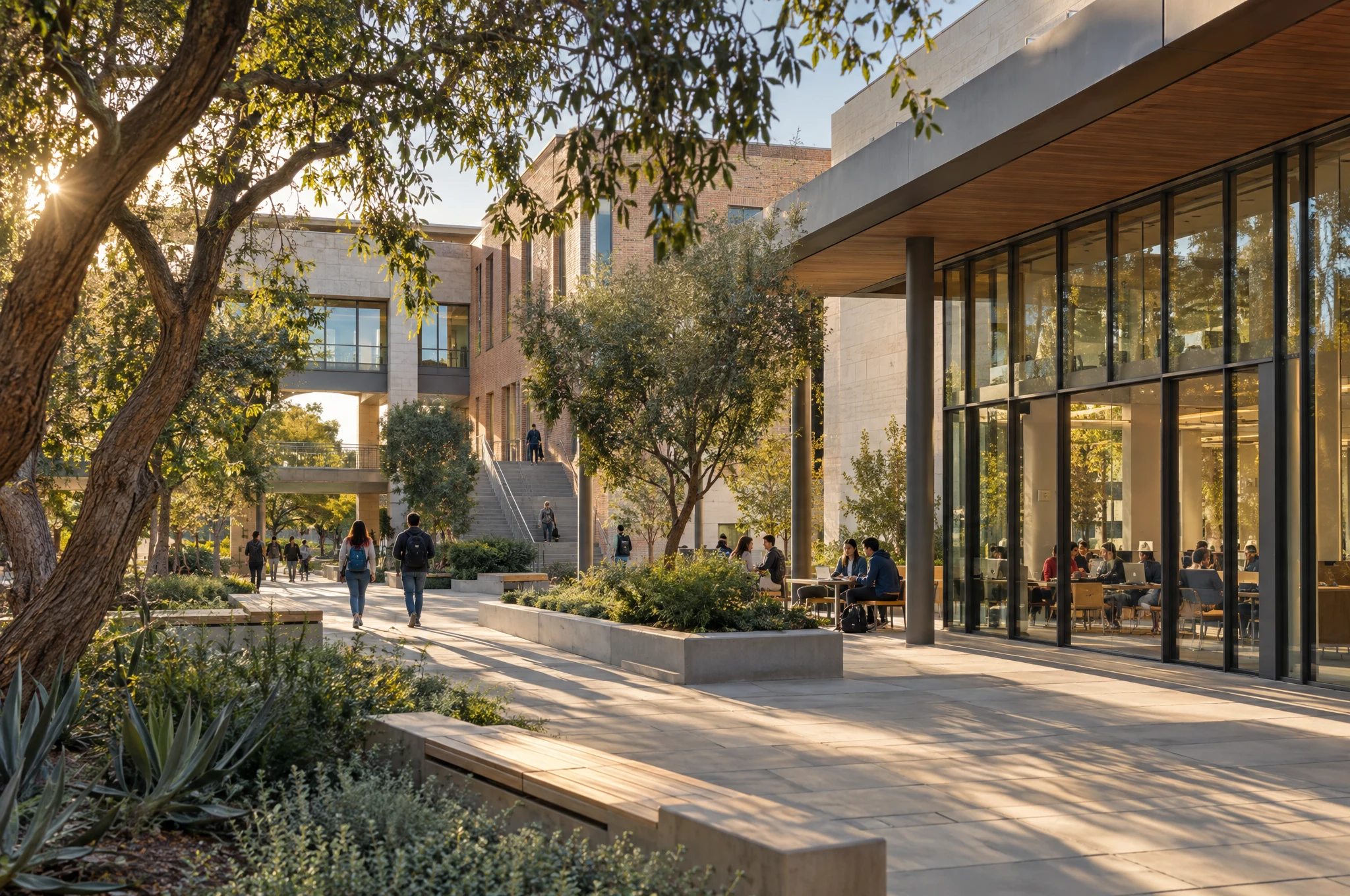
Building Photography
Clear architectural coverage
Show the spaces people use, the paths that connect them, and the details that make the facility work.
Edited interior and exterior photography gives facilities, communications, admissions, and development teams a shared library of clean, useful views without coordinating separate visits.
Built to
Explain spaces
Support reports
Publish cleanly
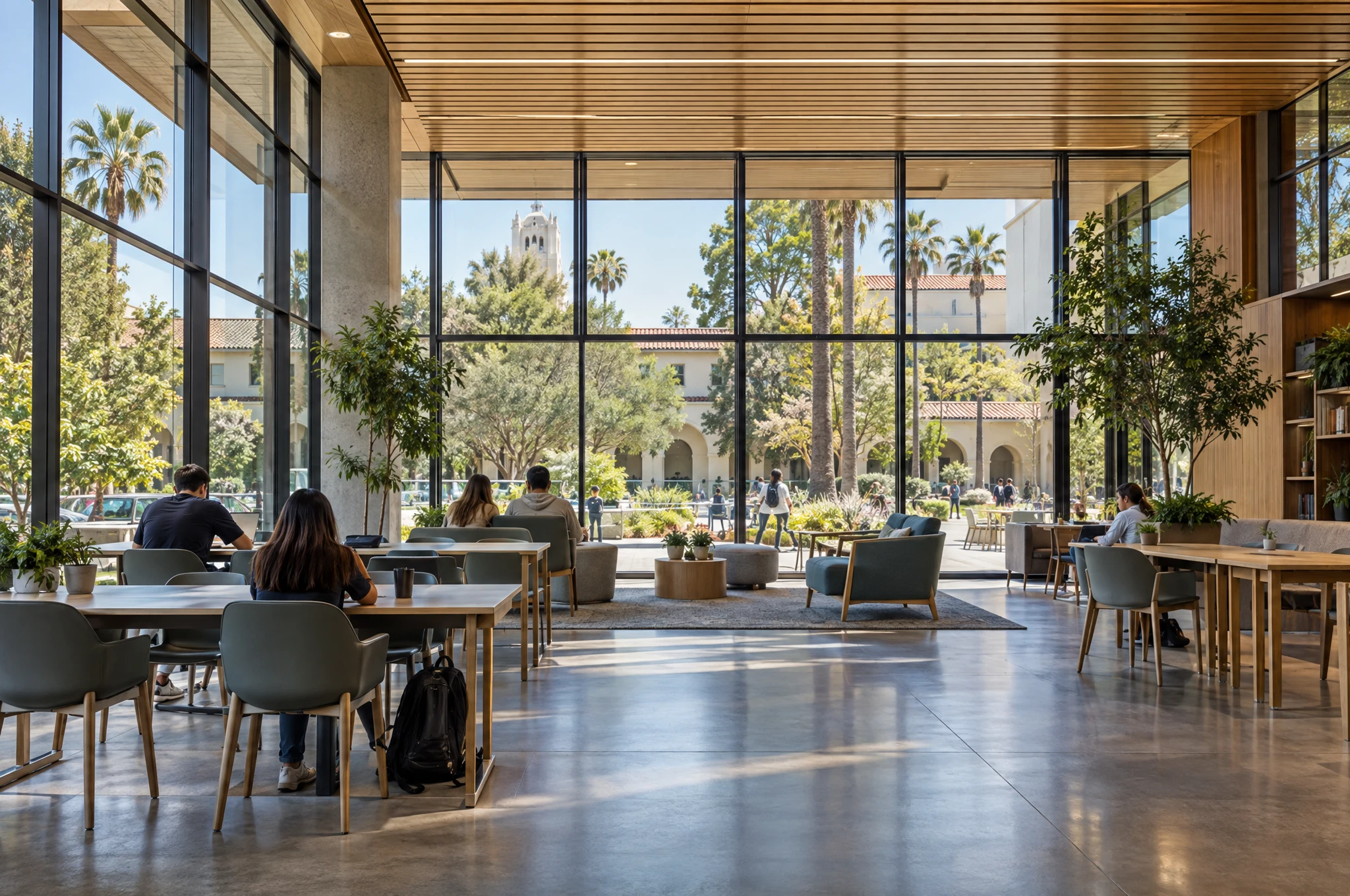
Classrooms, labs, libraries, offices, and gathering spaces
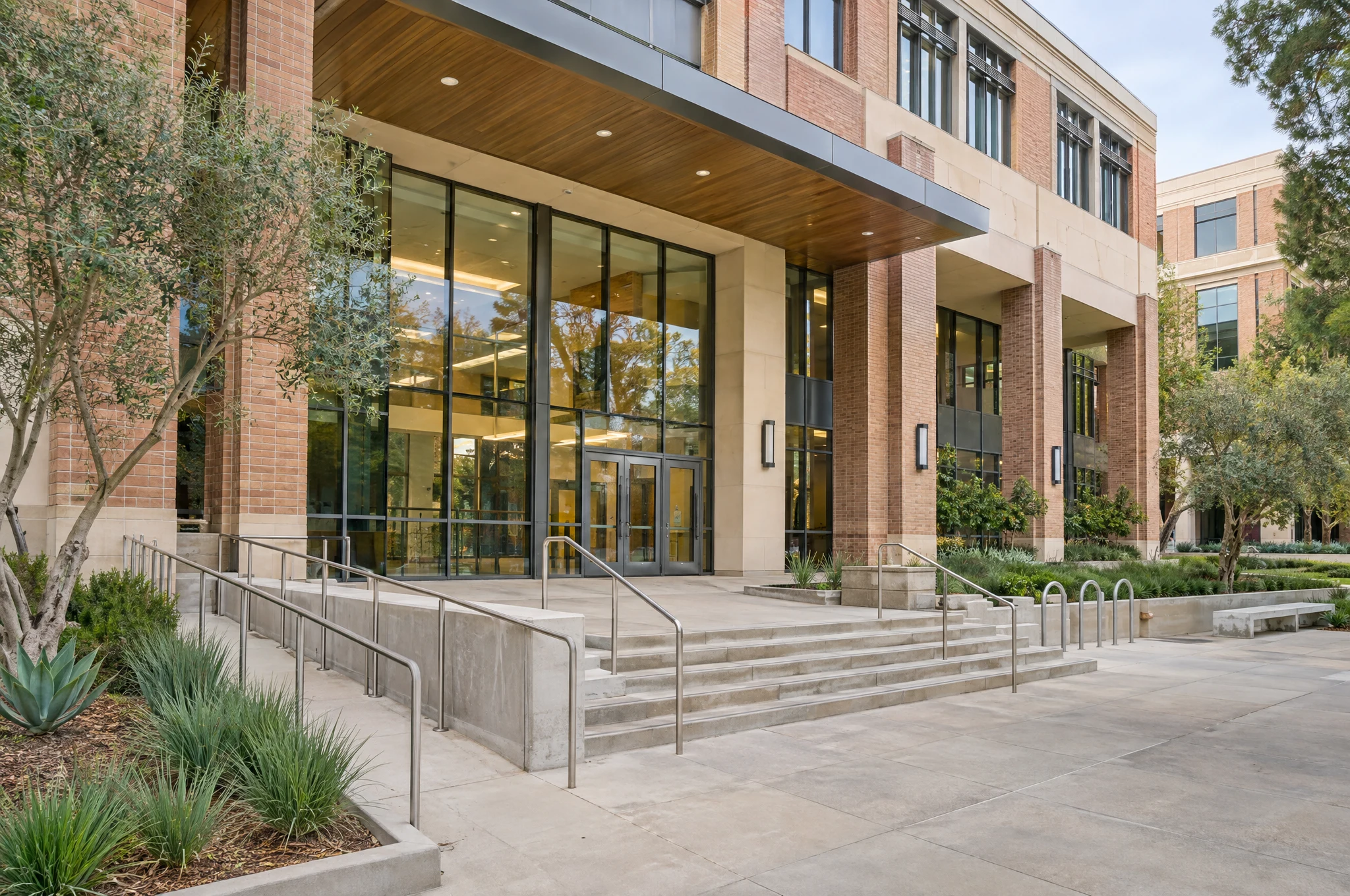
Exterior, arrival, access, and wayfinding context
High-resolution and web-ready files
Capture scheduled around approved access windows
One Visita coordinated building photo libraryDoor3D deliveryTwo Usesinternal reference and approved public mediaAcademic facilities use caseSee PricingView capture plans
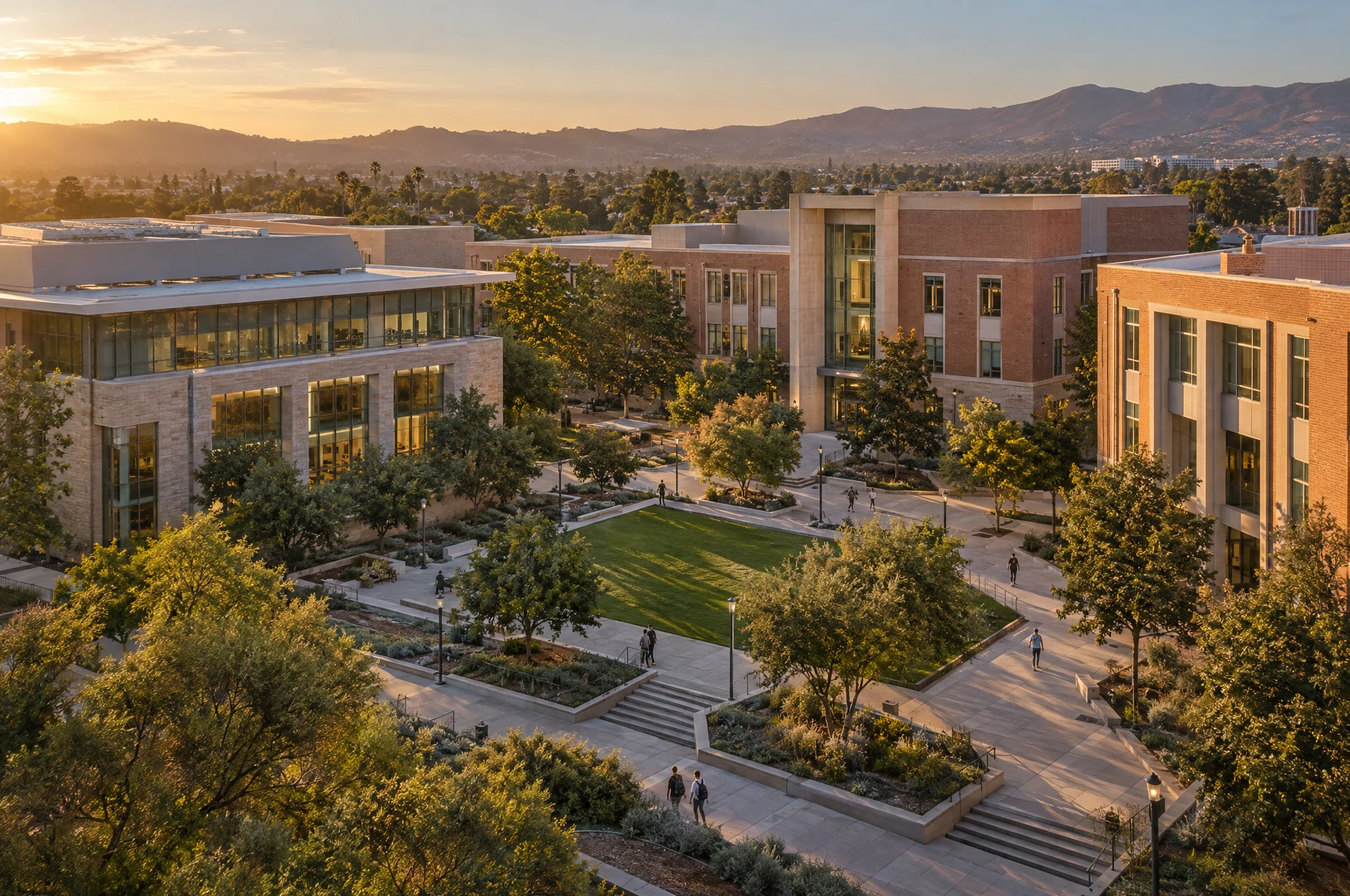
Campus Drone
Campus-wide context
Show how buildings, grounds, arrival routes, and the surrounding neighborhood fit together.
FAA Part 107 aerial capture gives campus teams a clear view of scale and relationships that ground photography cannot. Every flight is planned around airspace, campus policy, privacy, weather, and approved operations.
Built to
Show context
Orient visitors
Support updates
Campus overview and building relationships
Grounds, access, parking, and exterior context
Edited stills for websites and reports
Optional aerial video for campus stories
Part 107legal commercial drone operationsDoor3D deliveryCampus-Widecontext beyond one building entranceAcademic facilities use caseSee PricingView capture plans
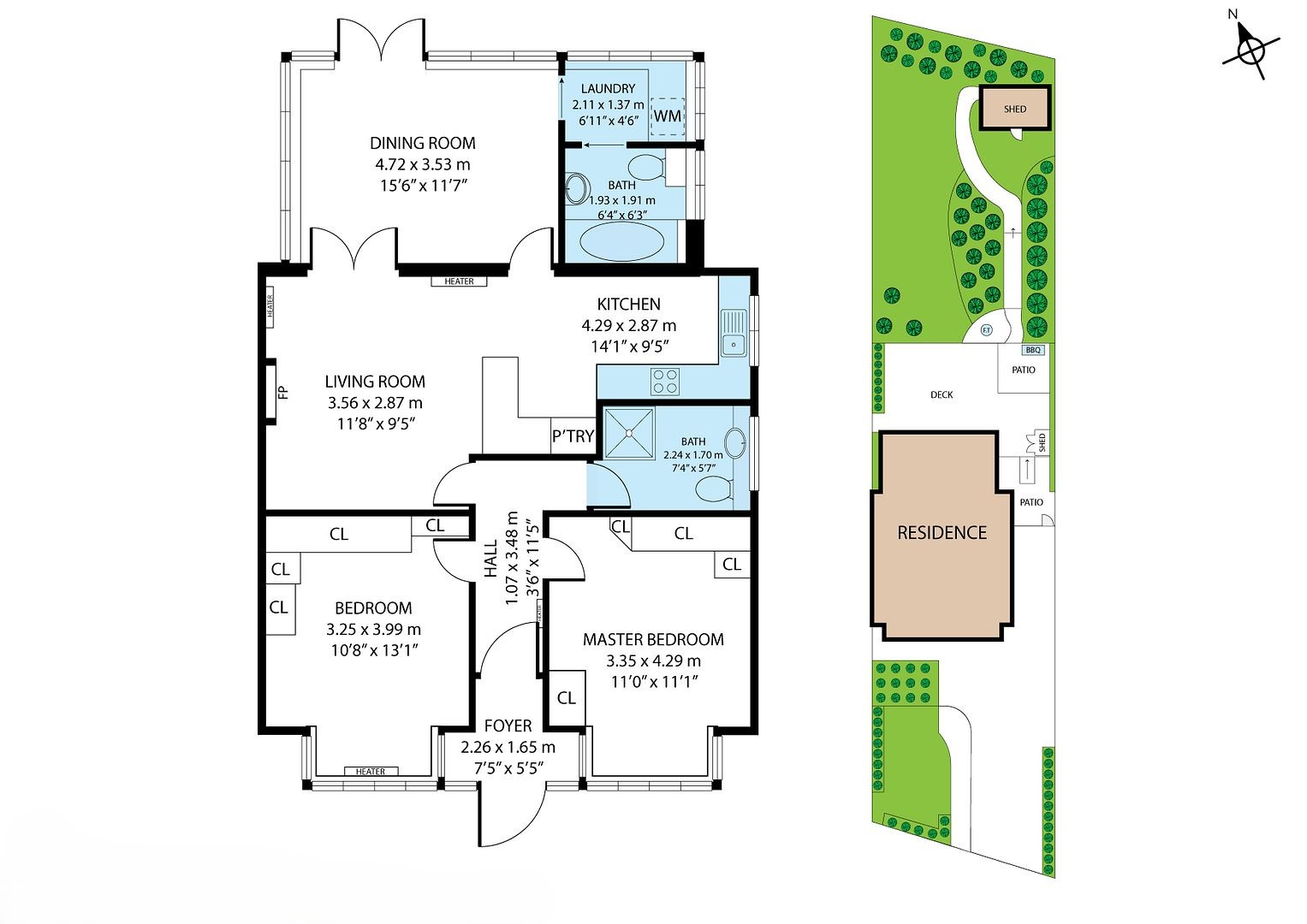
Floor Plans
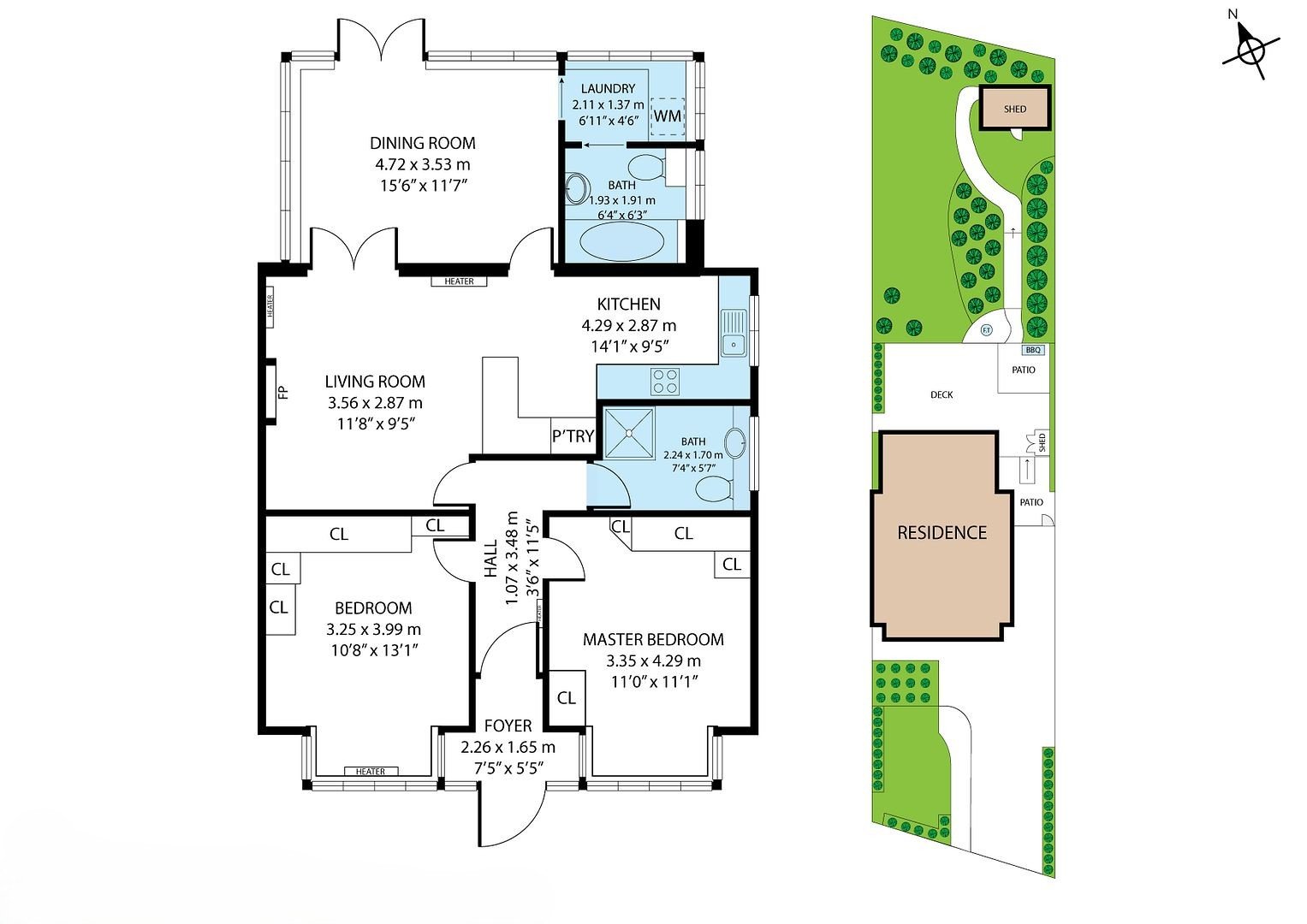
Simple layout reference
Add a clear schematic layout to the same building capture visit.
Schematic floor plans help staff, vendors, and project teams orient themselves before opening the full 3D record. They are easy to share beside work orders, space discussions, and building handoffs.
Built to
Orient teams
Label rooms
Share quickly
Room labels and basic dimensions
Generated from the Matterport capture
Useful for reference and early planning
Clearly labeled as schematic, not survey-grade
One Visit3D walkthrough plus layout outputDoor3D deliveryReferencenot a stamped survey or egress planAcademic facilities use caseSee PricingView capture plans
Capital Projects
Before, during, and after work
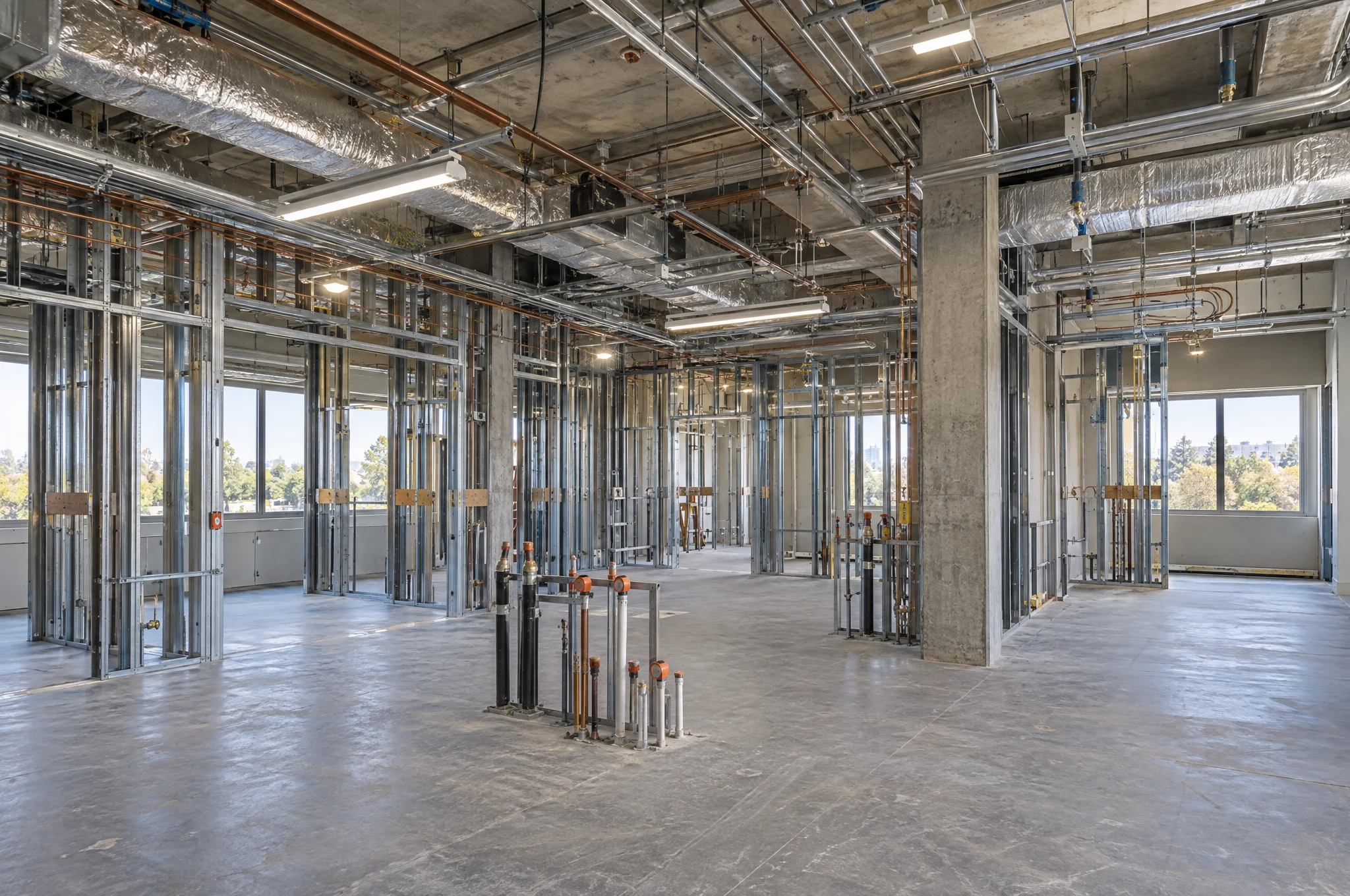
Give renovations and capital projects a visual record that stays useful after the construction team leaves.
Start with approved existing conditions, return at decision-heavy milestones, and finish with a closeout walkthrough. Campus leaders and future project teams keep the surrounding spatial context instead of another disconnected folder.
Built to
Set a baseline
Track milestones
Hand off clearly
Existing-condition 3D and photo baseline
Approved progress and pre-close milestones
Dated folders organized by building and visit
Final facilities walkthrough and completion photos
Dateda clear record at approved milestonesDoor3D deliverySpatialcontext a flat punch photo can missAcademic facilities use caseSee PricingView capture plans
Space Planning
See the whole building relationship
Give early planning conversations the room context a spreadsheet or plan screenshot leaves out.
A walkable model and schematic plan help approved stakeholders review circulation, adjacencies, furniture context, and current room use before a detailed design or field-verification phase begins.
Built to
Review remotely
Discuss adjacencies
Plan next steps
Visual context for current room use
Reference measurements and room relationships
Remote first-pass review for project partners
Technical exports scoped separately when supported
Remotefirst-pass review before another walkthroughDoor3D deliveryReferencenot a design, survey, or capacity studyAcademic facilities use caseSee PricingView capture plans
Admissions Media
Let prospects explore before they arrive
Give families, applicants, donors, and community partners a clearer first look at the campus.
Approved photos, aerials, 3D routes, and short motion assets help people understand the places where learning and campus life happen. Public-facing media is planned separately from private facility documentation.
Built to
Build familiarity
Show facilities
Extend access
Approved academic and student-life spaces
Desktop and mobile browser access
Web-ready photography and aerial media
Separate public route and privacy review
Anywherecampus context before an in-person visitAcademic admissions use caseApprovedpublic-facing spaces and routes onlyDoor3D deliverySee PricingView capture plans
Indoor Flythrough
Motion for approved, safely cleared spaces
Connect classrooms, corridors, gathering areas, and signature facilities in one fluid piece of motion.
An indoor drone flythrough is a selective storytelling add-on for campus openings, facilities showcases, and connected interiors. The route is planned around privacy, people, obstructions, and campus safety requirements.
Built to
Show movement
Connect spaces
Support launches
Approved route and campus-safety coordination
Captured when the route is clear of students and staff
Strong for openings, donor updates, and web features
Edited standalone video delivery
Motiona concise project-story assetDoor3D deliverySelectiveused only where privacy and safety make senseAcademic facilities use caseSee PricingView capture plans
One visit, separate audiences
Door3D can organize private facility records separately from approved public-facing photos and walkthrough routes. Access, hosting, technical exports, student privacy, and publishing permissions are confirmed before capture.
Representative Door3D property-media examples show how the formats work together. Your campus coverage is shaped by approved spaces, audiences, privacy, and building priorities.
Campus + BuildingsLocations, approximate size, and the spaces approved for capture.Approved AudiencesFacilities, capital projects, admissions, development, or public use.Delivery NeedsPrivate 3D, public tour, photos, drone, plans, and refresh cadence.
You get back
Right-sized scopeA clear recommendation for the buildings, routes, and capture formats each audience needs.
Campus access planEscort, time windows, privacy, restricted spaces, and drone requirements resolved up front.
Firm quoteTransparent deliverables, hosting, turnaround, and any technical-file costs before the first visit.
Academic facility capture works best when approved spaces, audiences, privacy requirements, and access windows are clear before anyone arrives.
Door3D captures approved, accessible interiors as a Matterport walkthrough and delivers a browser-based model. Packages can also include building photography, campus drone context, schematic floor plans, and an organized delivery by building or use case.
Yes. We can plan one coordinated visit, then keep the private facilities record separate from approved public-facing photography or tour routes. Audiences, publishing permissions, and restricted spaces are confirmed before capture.
Door3D captures only approved rooms and routes during a cleared access window. Restricted areas are excluded, and student-identifiable content is not intentionally captured or published without explicit approval from the institution.
Yes. Existing-condition baselines, milestone visits, pre-concealment records, and closeout captures can create a consistent visual reference for facilities and capital-project teams. The record supports coordination but does not replace an inspection or trade sign-off.
No. Door3D provides visual documentation and reference measurements. It does not replace a licensed survey, architect's field verification, accessibility review, life-safety plan, engineering certification, or security assessment.
Yes. Multi-building campuses receive a custom phased scope based on square footage, building priorities, access windows, travel between locations, and whether each deliverable is private or public-facing.
Private and public-facing deliverables can be separated. Photo and video usage, Matterport hosting terms, publishing permissions, extensions, transfers, and technical exports are documented in the quote before capture.
Standard photo sets and hosted walkthroughs are normally delivered within 24–48 business hours. Travel is free within 30 miles of central Los Angeles, $50 from 30 to 70 miles, and $99 beyond 70 miles. Large campuses receive a phased delivery estimate; drone work also depends on campus policy, FAA rules, airspace, and weather.
 One Building, Clearly Captured