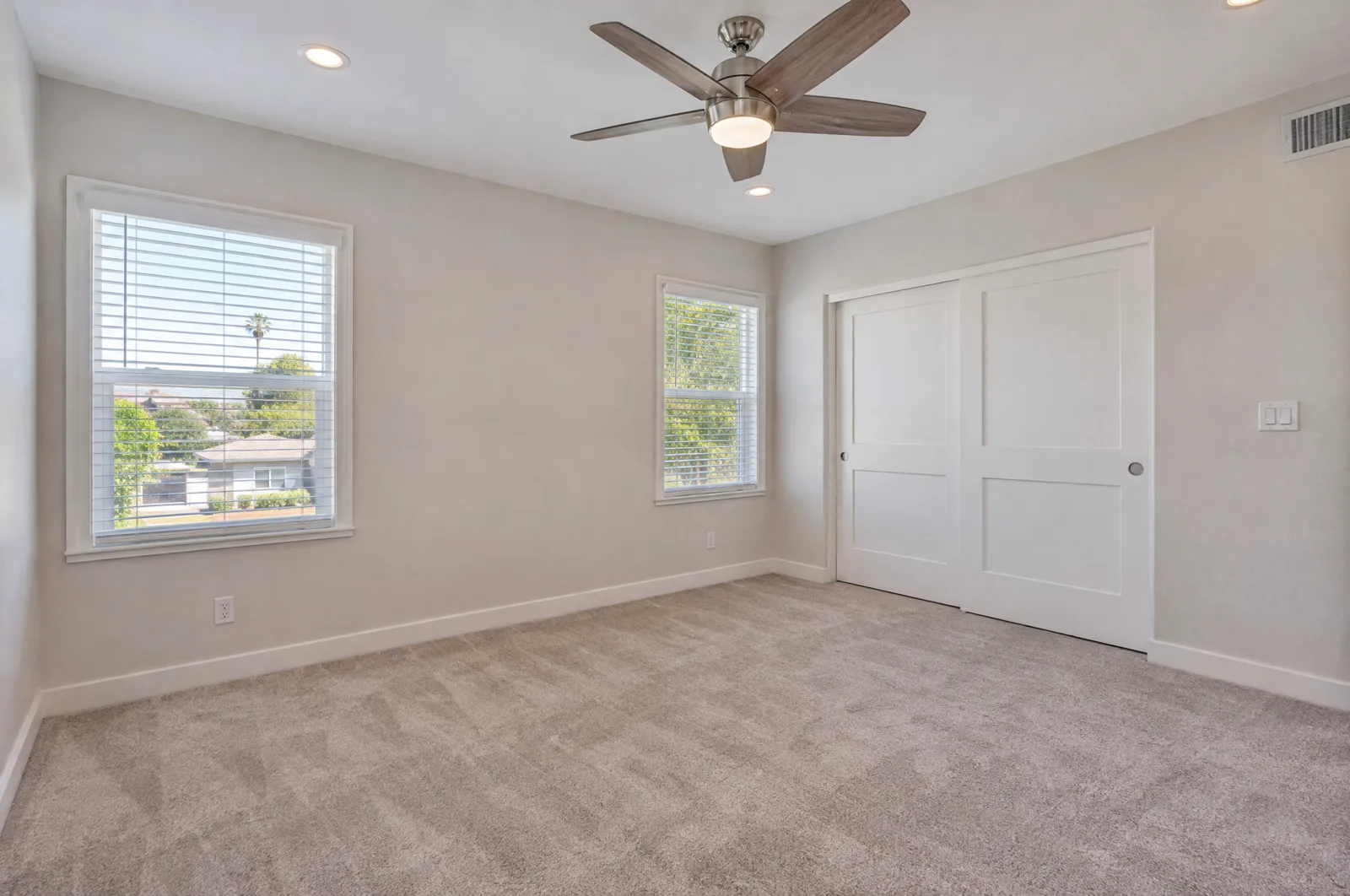

 Before
After
Before
After
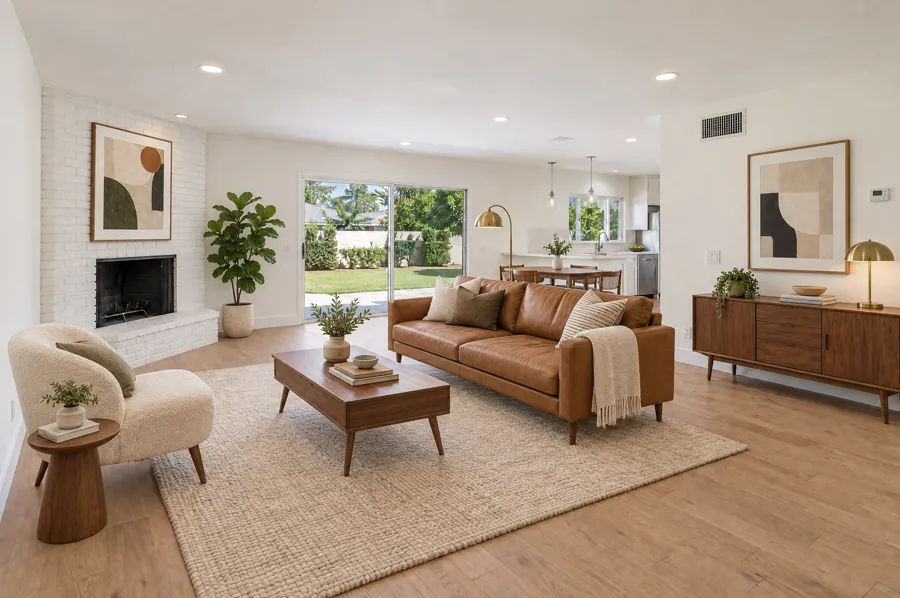
Open Living RoomMid-century modern
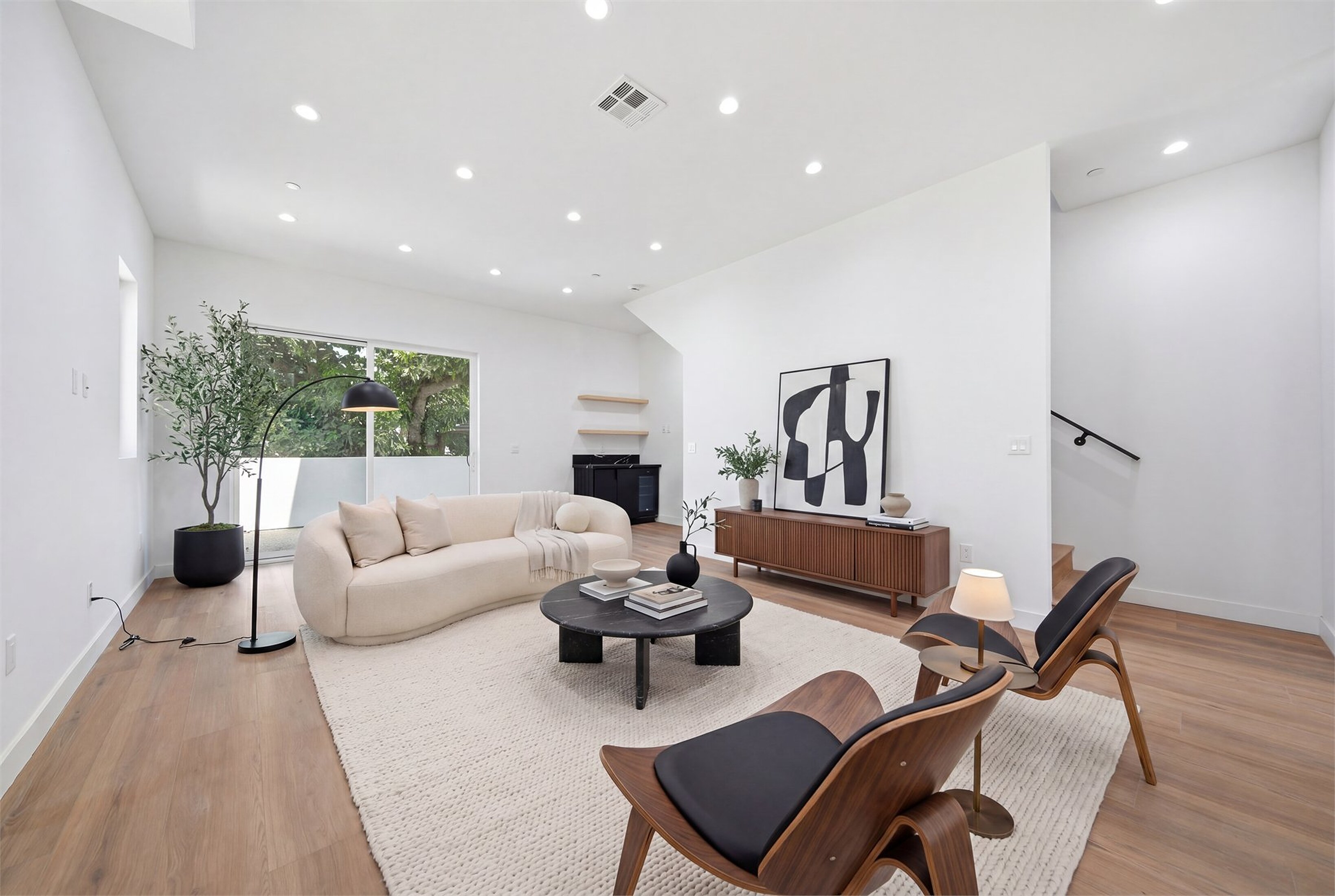
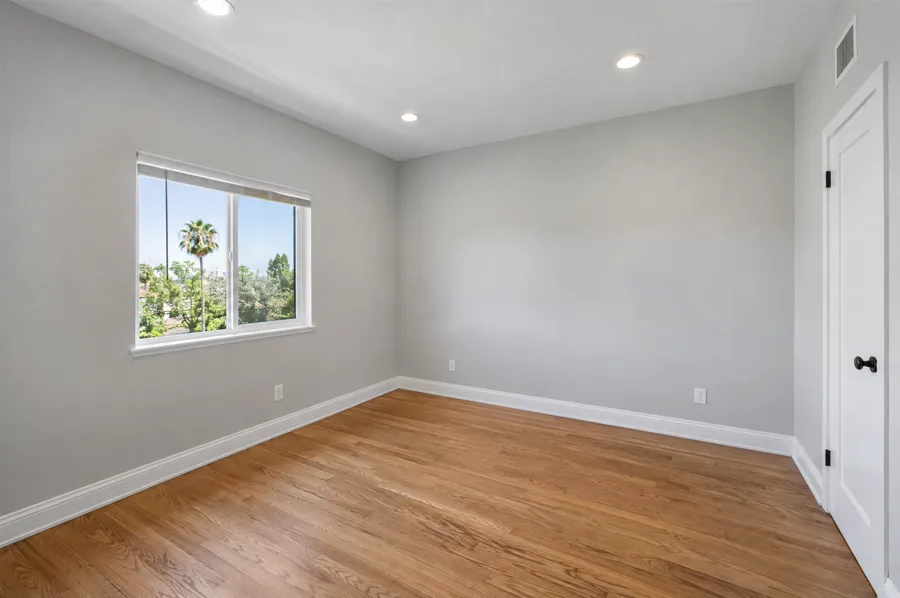
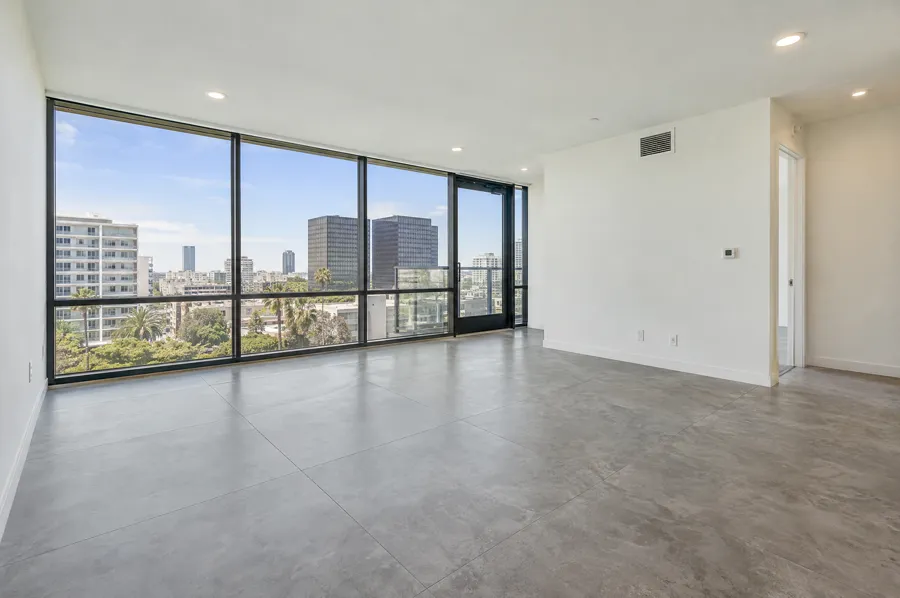
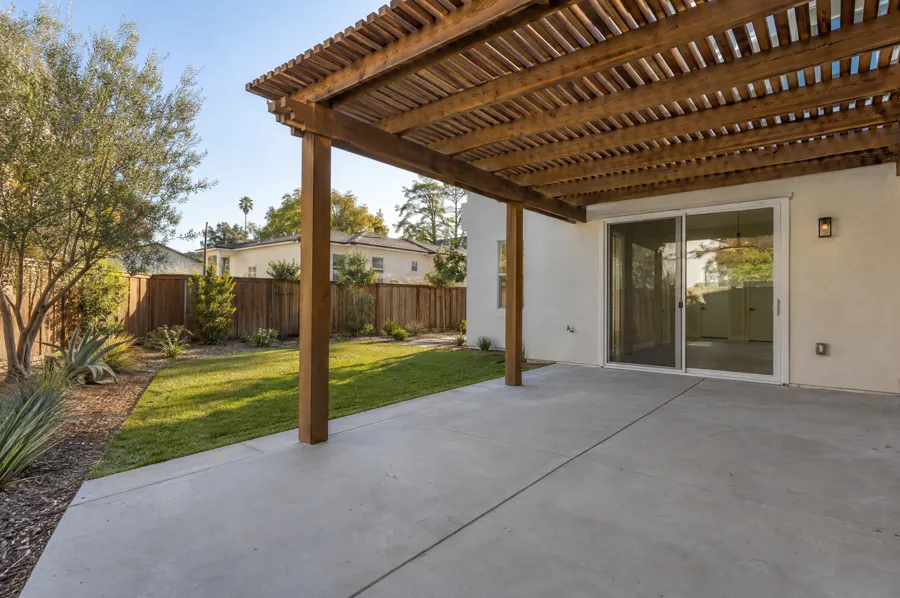
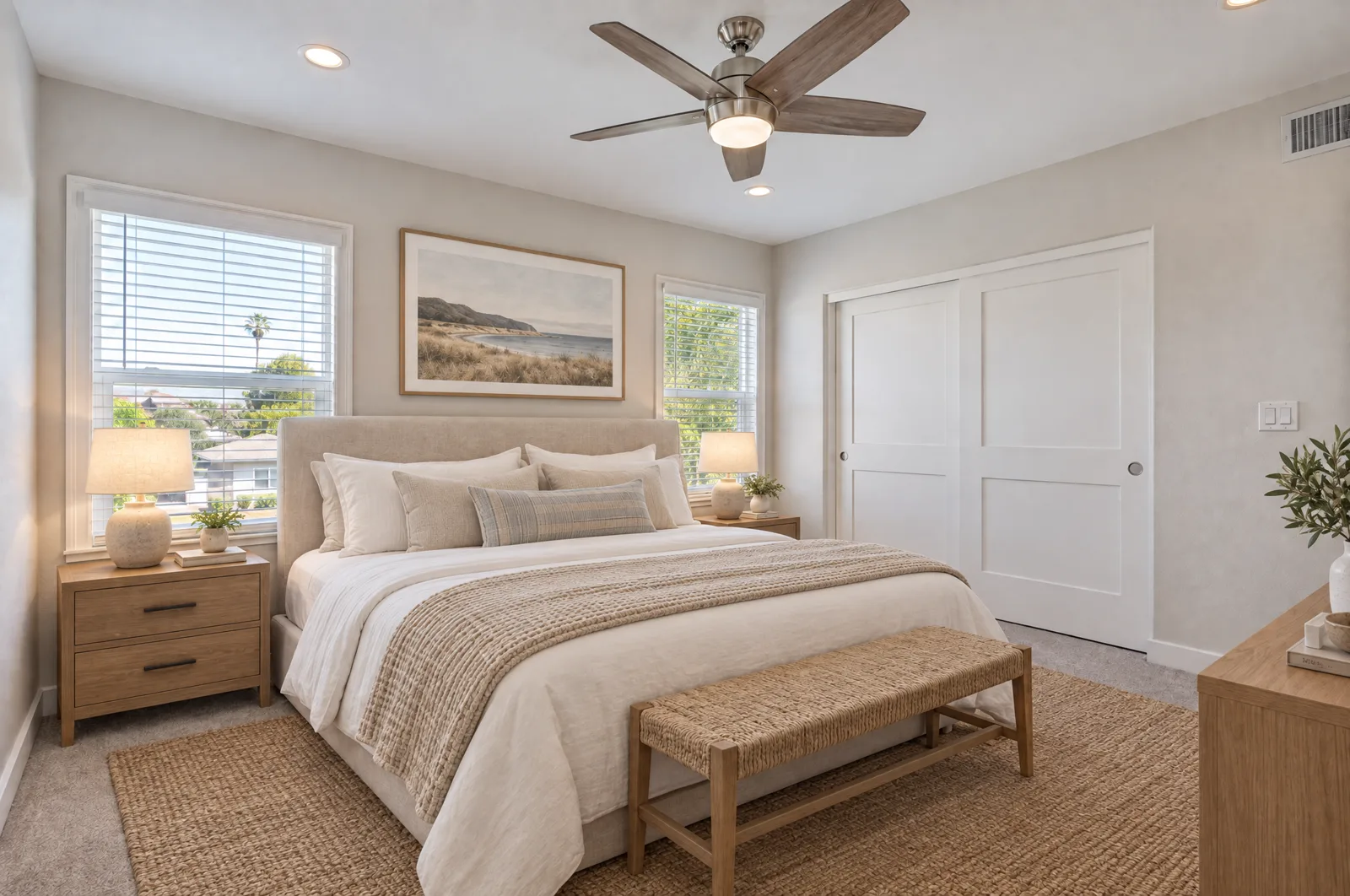
Ten empty rooms, staged to match the home and the buyer. Slide each photo to compare the vacant room with the finished listing image.
Before
After
Open Living RoomMid-century modern
 Before
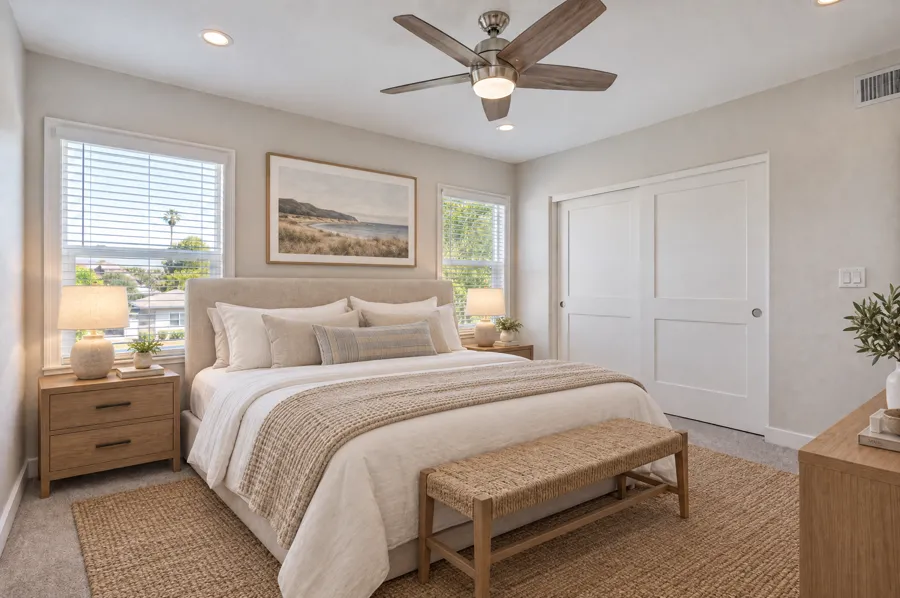
After
Before
After
Primary BedroomCalm coastal
 Before
After
Before
After
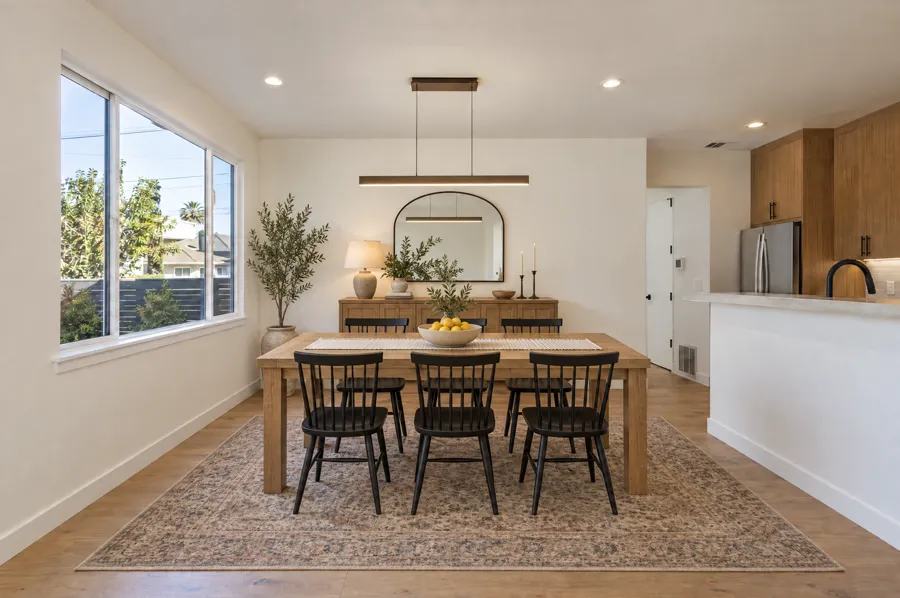
Dining RoomModern farmhouse
 Before
After
Before
After
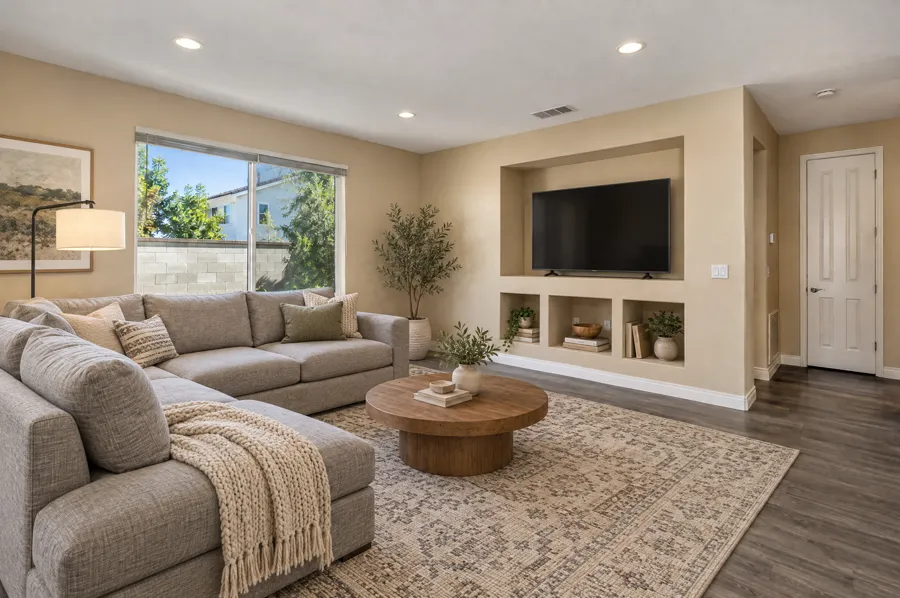
Family RoomCozy sectional setup
 Before
After
Before
After
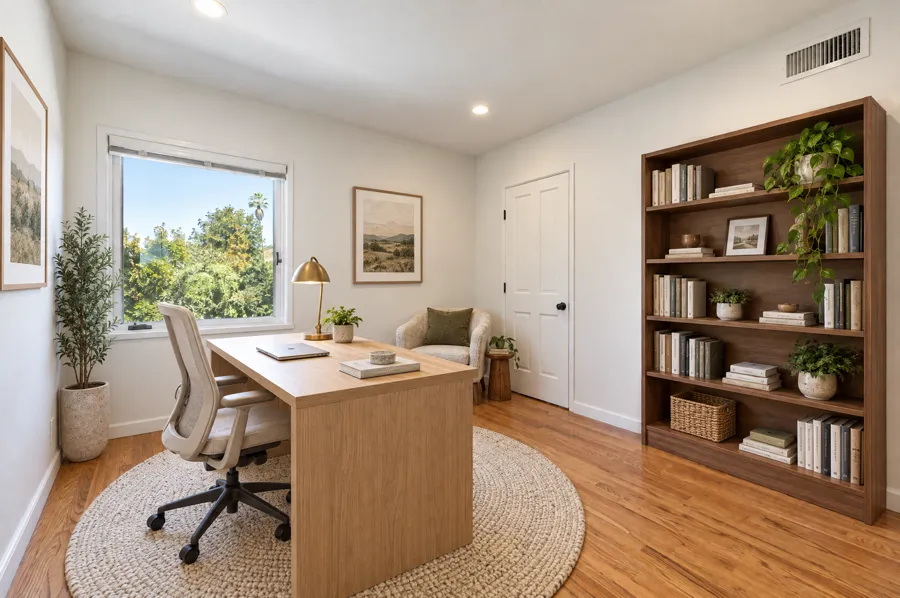
Home OfficeWork-from-home ready
 Before
After
Before
After
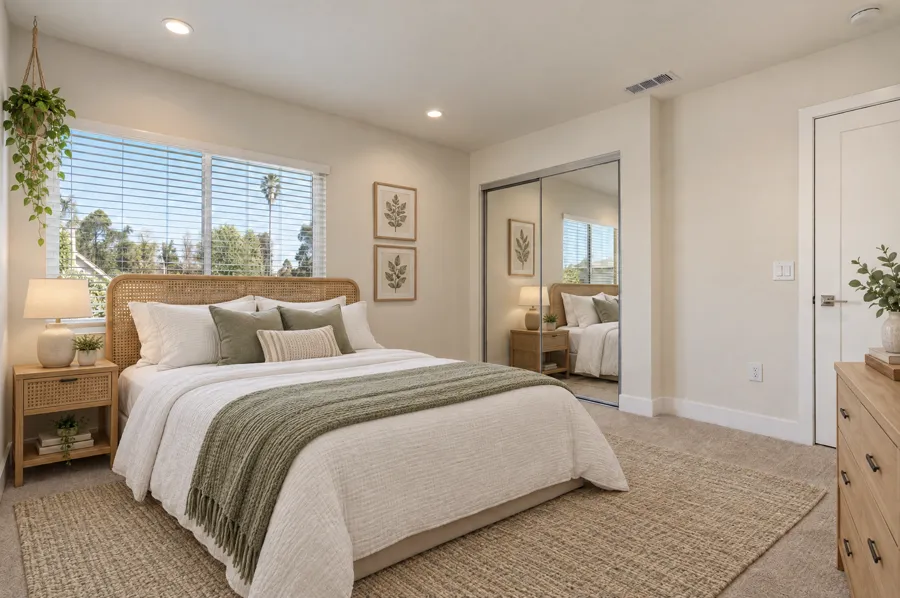
Guest BedroomLight and airy
 Before
After
Before
After
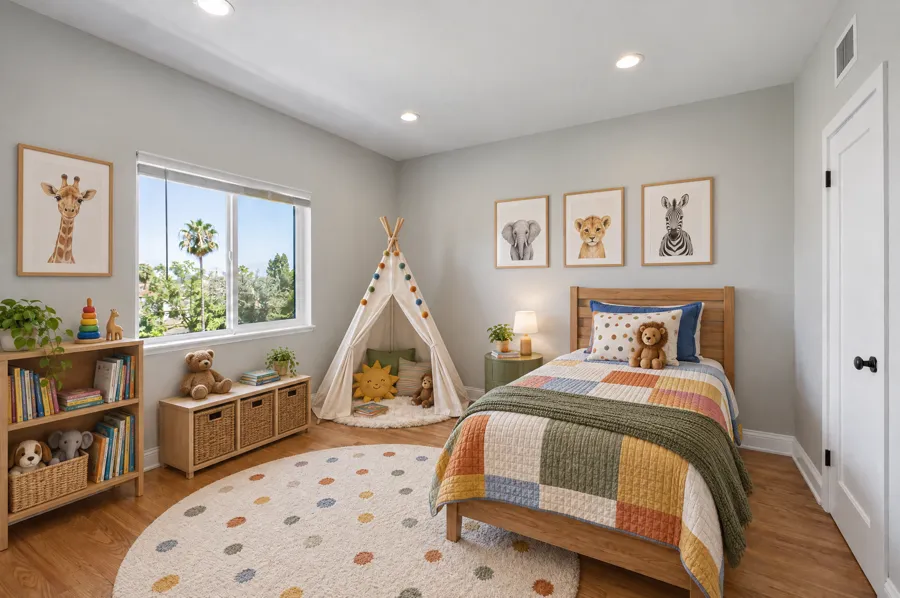
Kids RoomPlayful but tidy
 Before
After
Before
After
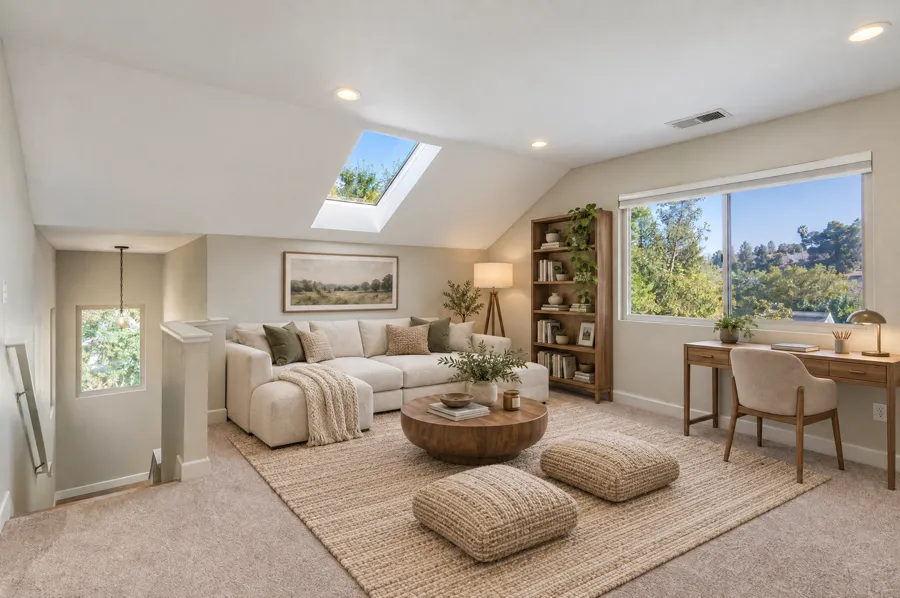
Loft Bonus RoomLounge and reading nook
 Before
After
Before
After
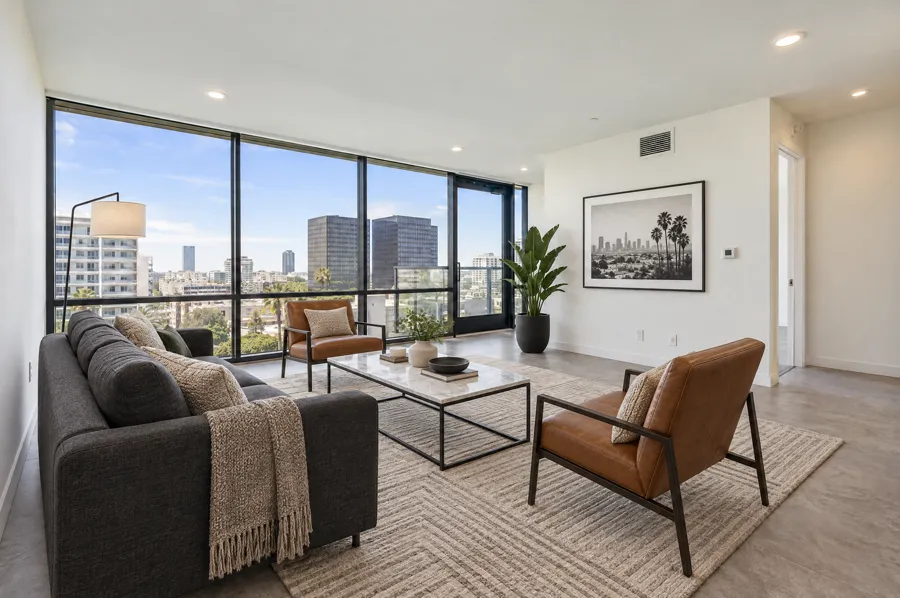
Condo Living RoomUrban contemporary
 Before
After
Before
After
Backyard PatioOutdoor living
Virtual staging works best when the base photo is clean, the room purpose is clear, and the final image helps the buyer understand the home faster.
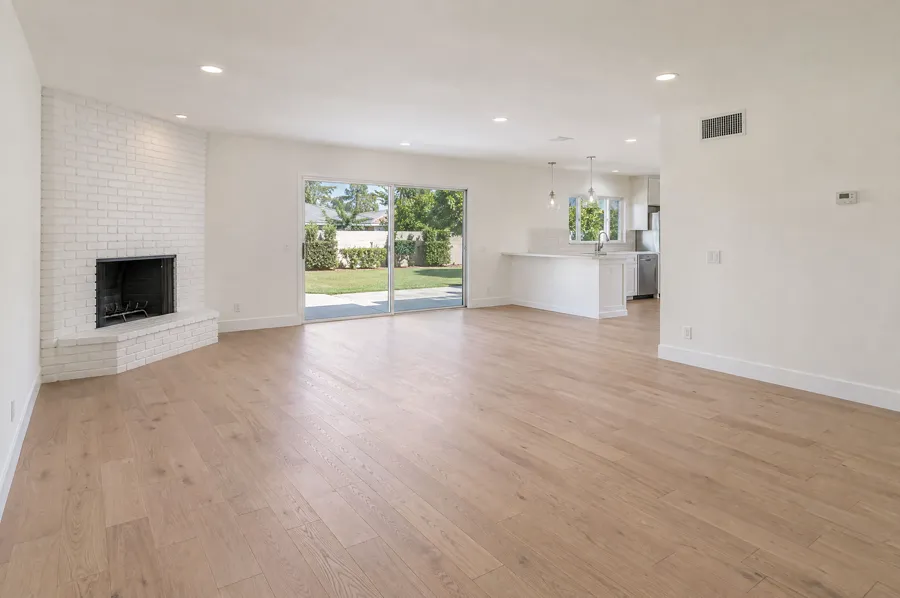
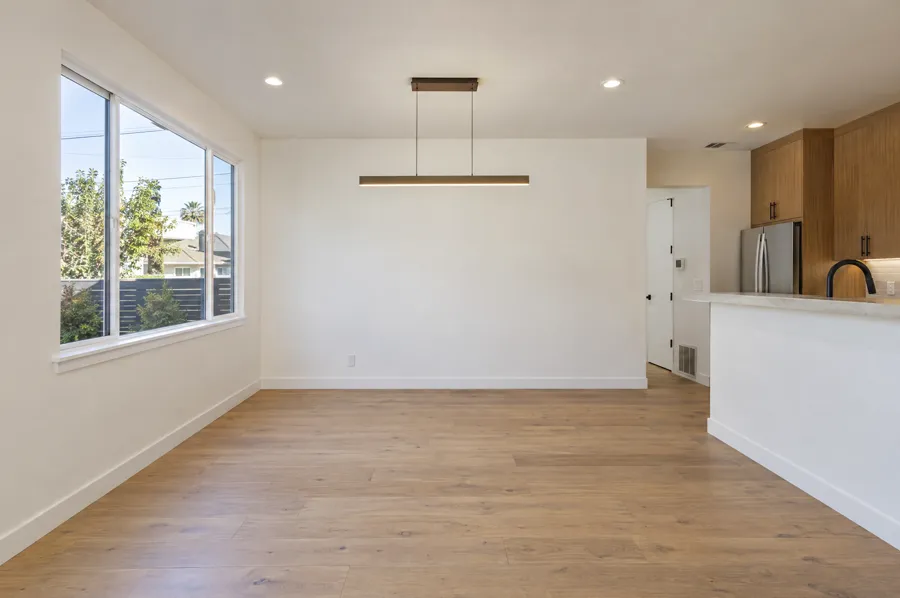
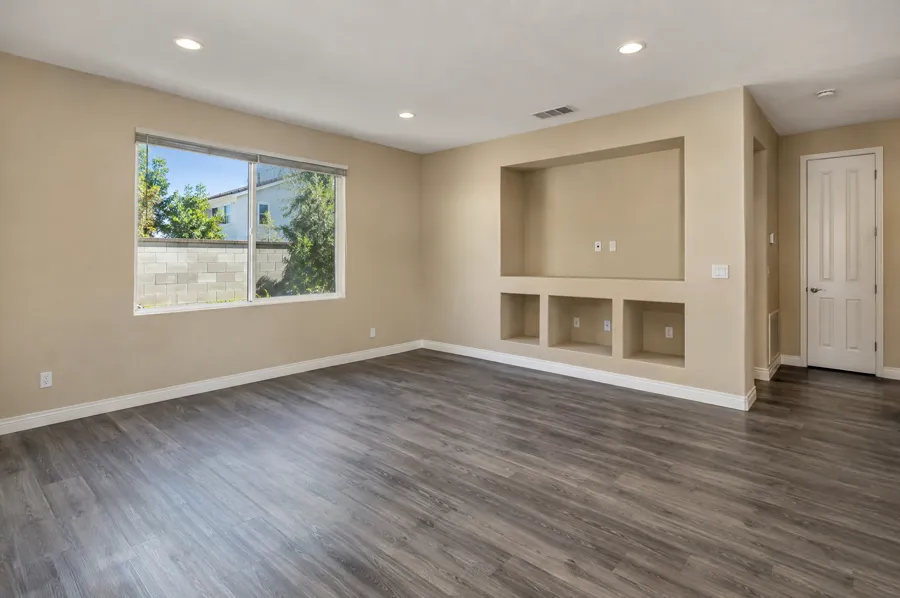
Living rooms, bedrooms, dining areas, dens, and bonus rooms can feel warmer without a physical staging install.
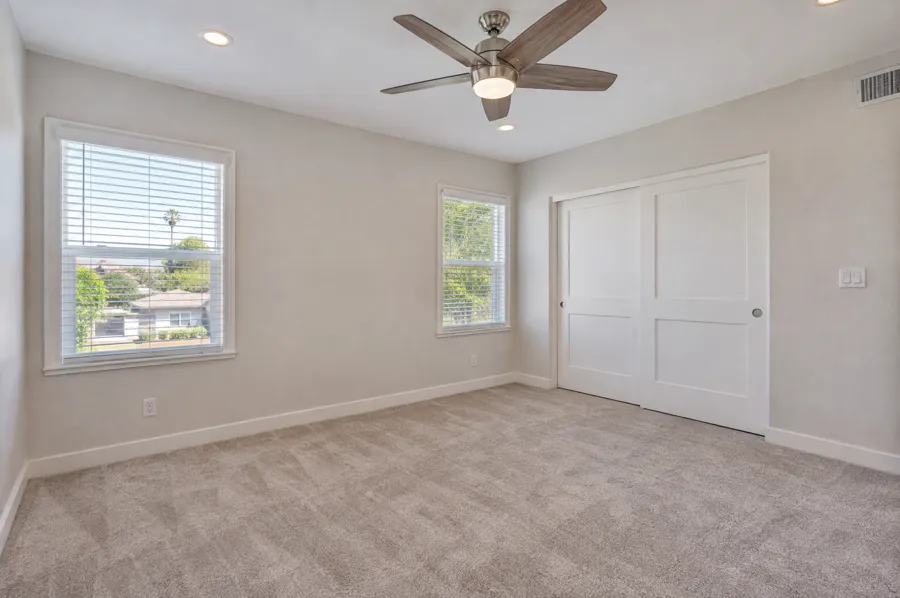
Show where the sofa, bed, and dining table fit so buyers can judge scale straight from the listing photos.
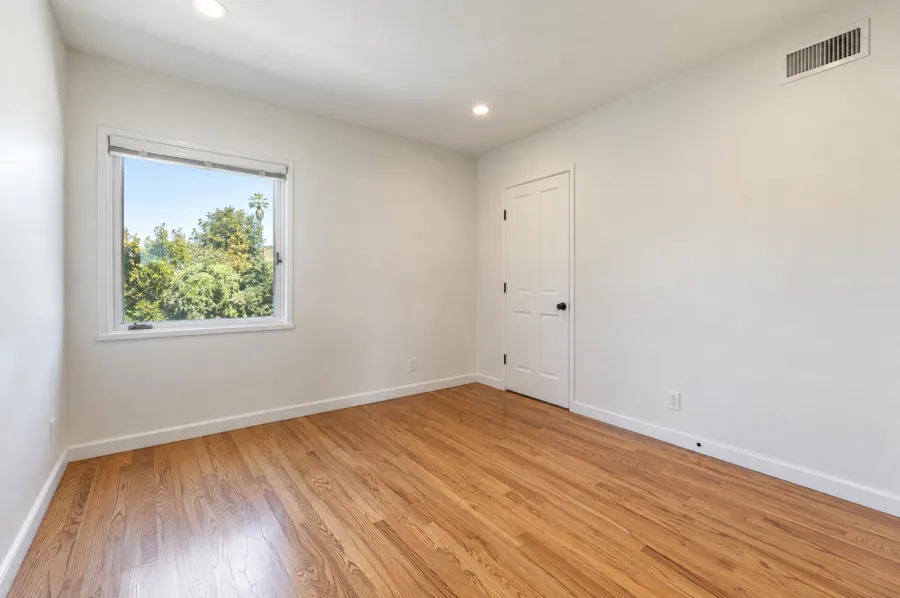
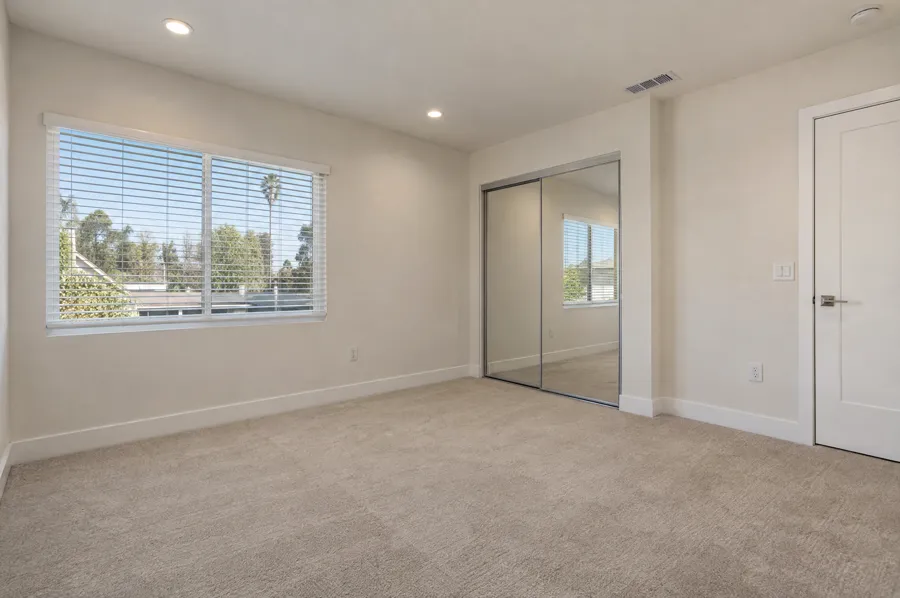
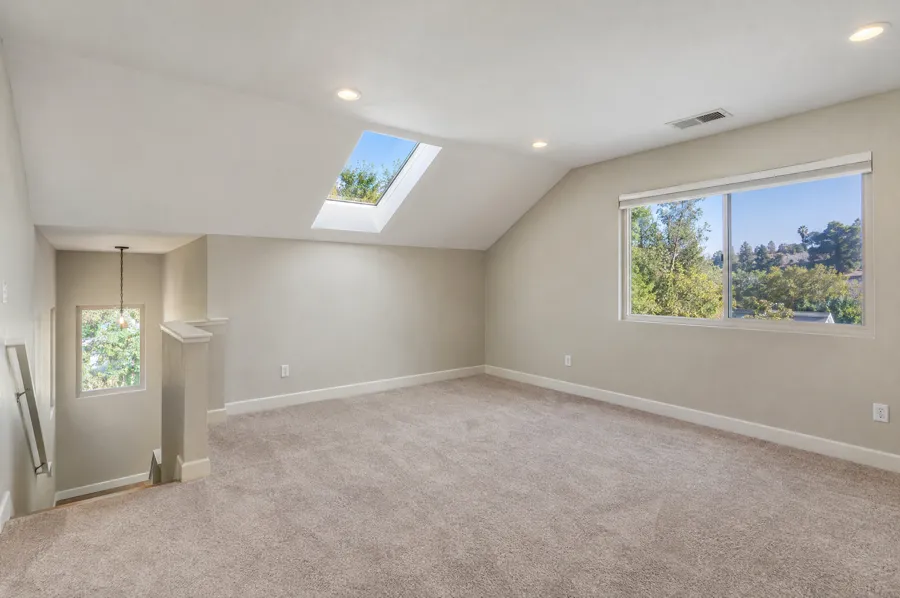
Lofts, dens, and flex rooms can be staged as a guest room, gym, or work-from-home setup so buyers see a use, not a question.
Tell us three things and we come back with the right media mix, real availability, and a clear price. No back and forth.
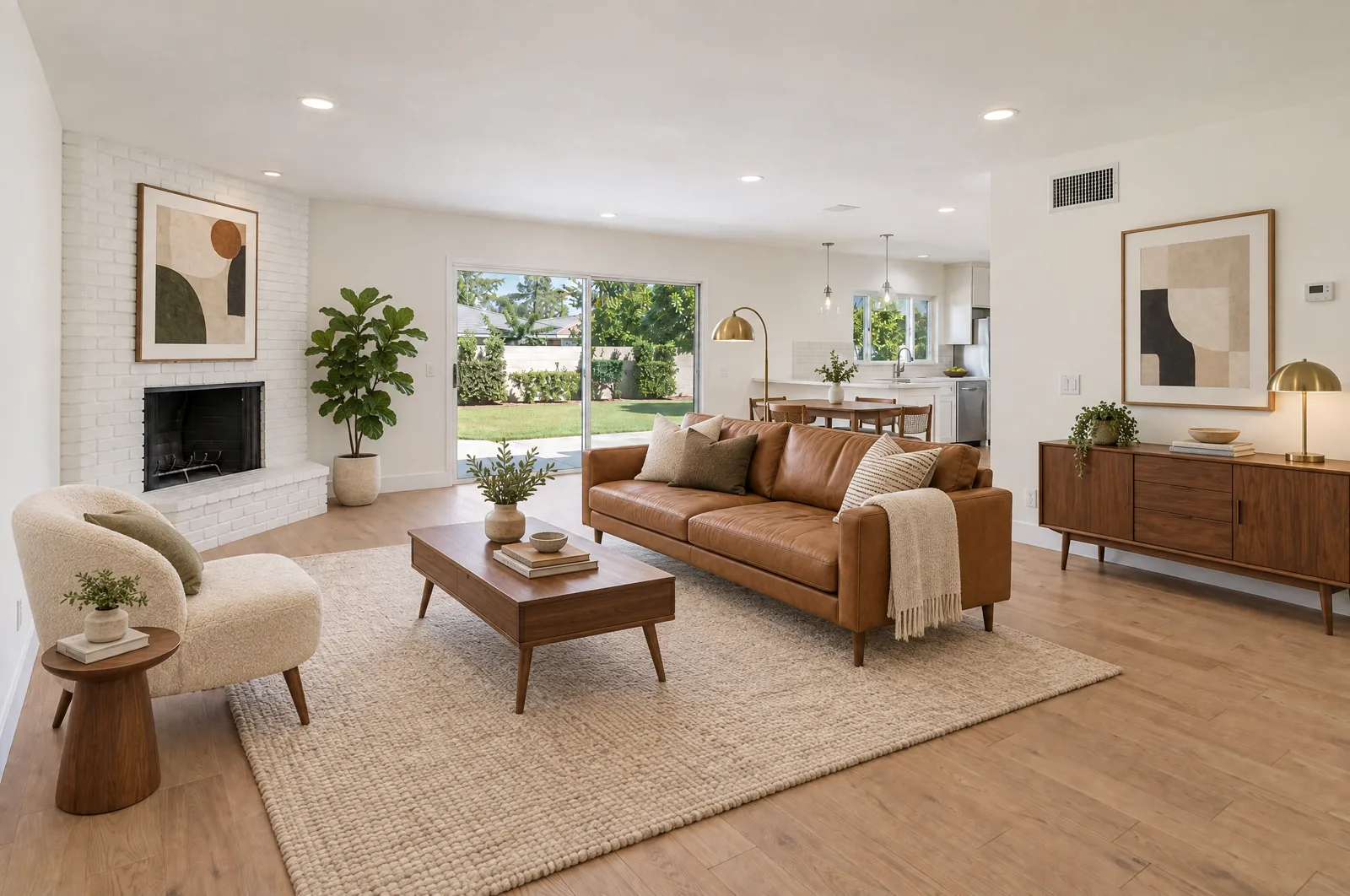
Virtual staging works best when the goal is clear and the base photo is strong enough to support a believable final result.
It can replace physical staging for marketing images when the goal is to show potential online. Physical staging is still useful when the in-person showing experience needs furniture in the room.
Focus on rooms where scale and use are not obvious: living rooms, primary bedrooms, dining spaces, dens, lofts, or flexible bonus rooms.
The best staging starts with clean, well-lit, straight source photos. Door3D can capture the base images during a regular HDR shoot or review existing photos before staging.
Yes. Disclosure requirements vary by platform and use case, but staged images should be represented clearly so buyers understand the furniture is conceptual.