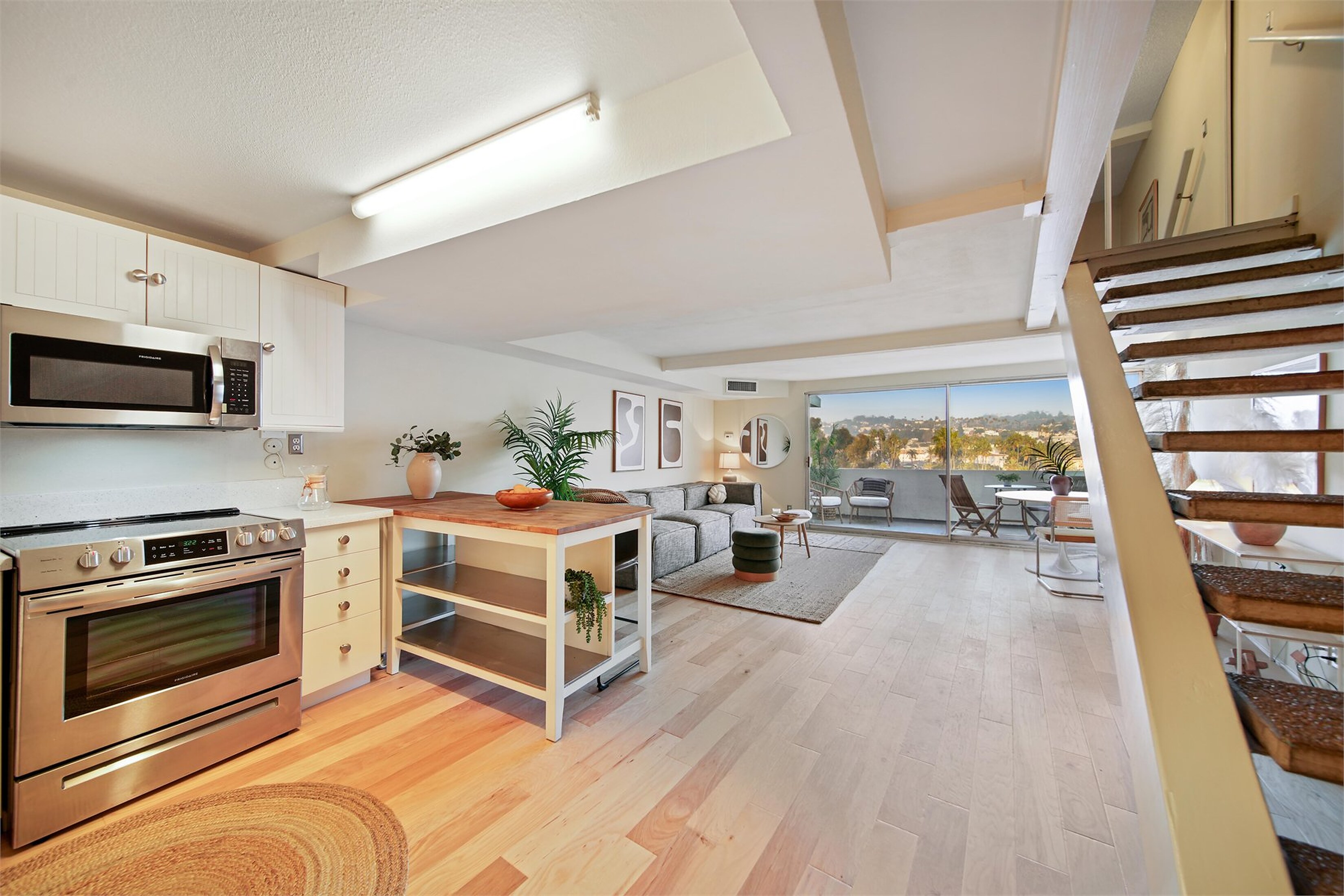




Walk this home like a Zillow buyer
Tap a blue dot to step into the next room, and open the floor plan to see where you are standing. Then go full screen on your phone. That is how most buyers see it.

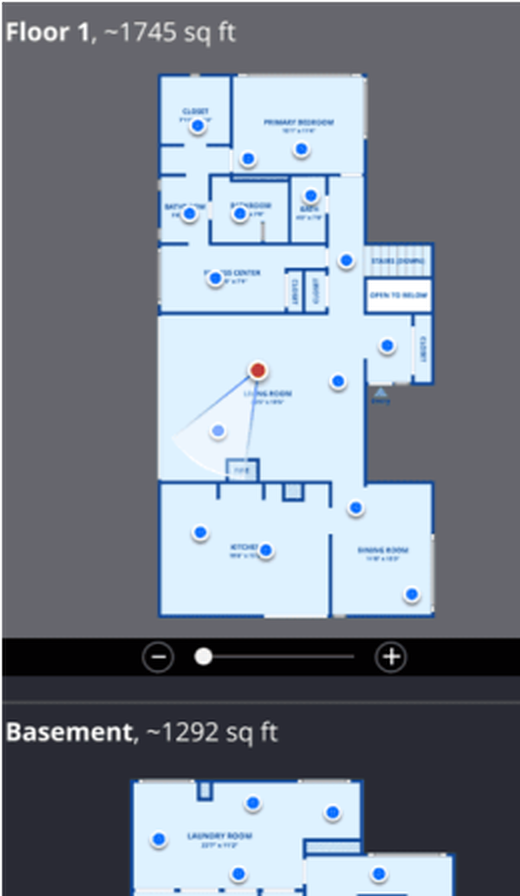

From photo visit to Zillow listing
Add it when you book. We capture the tour on the same visit as your photos, so there is no second appointment and nothing to restage.
-
When you book
Add it to your photo shoot
Pick Zillow 3D Home with your photos, drone or Matterport. One visit covers all of it.
-
At the shoot
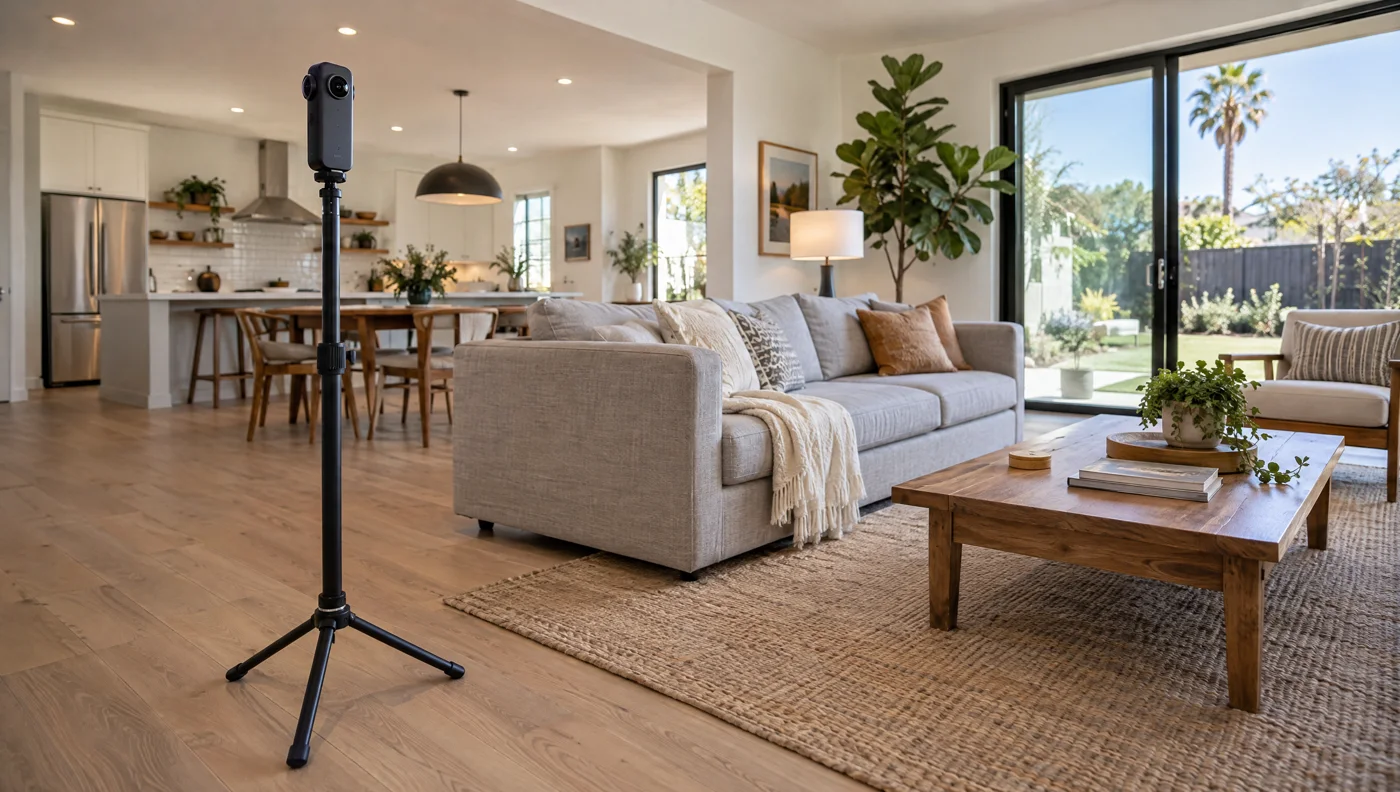
A 360 stop in every room
Right after the photos, we set the 360 camera in each room, the entry and the yard. Every stop becomes a spot buyers can stand in and look around.
-
After the shoot
Tour and floor plan are built
Zillow links the stops room to room and draws an interactive floor plan with room dimensions from the same capture.
-
On launch day
Live on your Zillow listing
The tour shows on the listing on desktop and in the Zillow app, so buyers can walk the home before they ask for a showing.
Zillow 3D Home or Matterport?
In October 2025 Zillow stopped showing Matterport tours on its listings. If a buyer finds your home on Zillow, a Zillow 3D Home tour is the only 3D tour they will see there.
Matterport still shows on Homes.com, Realtor.com, Redfin and your own site, and it adds the dollhouse view. That is why many agents run both.
Send the space once. We handle the rest.
Tell us three things and we come back with the right media mix, real availability, and a clear price. No back and forth.
- The addressProperty type and rough size.
- What you needPhotos, drone, 3D tour, floor plan, or the full stack.
- Your launch dateAccess window and how soon it needs to go live.
- Answers within 24 hours
- A shoot date that fits your launch
- Edited files in 48 business hours
- 48hr delivery24 hour rush on request
- No depositPay when files are delivered
- FAA Part 107Licensed and fully insured
- All of LATravel included within 30 miles
Quick answers before you add Zillow 3D.
Zillow 3D Home works best when it is planned with the rest of the listing media. These are the questions agents ask first.
No. Zillow 3D Home is built for native Zillow listing engagement. Matterport is the more premium, flexible 3D walkthrough for layout clarity, embeds, and broader sharing. Since October 2025, Zillow also no longer displays Matterport tours. Read our Zillow 3D Home vs. Matterport comparison.
Yes, but most agents add it to a photo package so the listing has strong stills plus the native Zillow walkthrough.
Its strongest value is inside Zillow. If you need a tour for custom websites, decks, or broader embeds, Matterport is usually the better fit.
Prep it like a showing. The tour captures the full room condition, so clear clutter, hide personal items, straighten surfaces, and open spaces the way buyers should see them.